
SIM7600 QDL FW Download Exercise
Practice FW Download on SIM7600 series following the guidance of the QDL User Guide.
1. Target Module and FW Selection
♦ Select Module

♦ Select FW by clicking “browse”
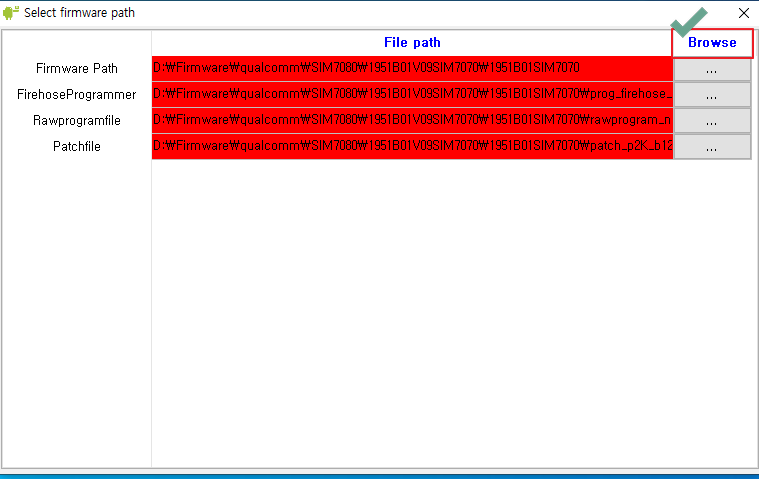
♦ FW Select
Note. In the case of the folder structure, as shown below, you need to the final FW folder.
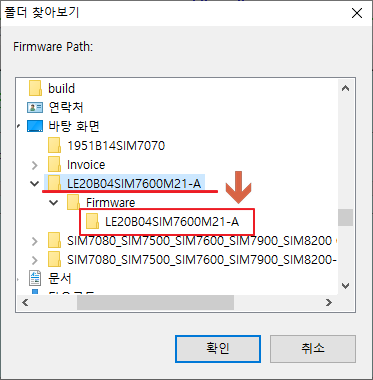
♦ Normally Selected → Click “X”
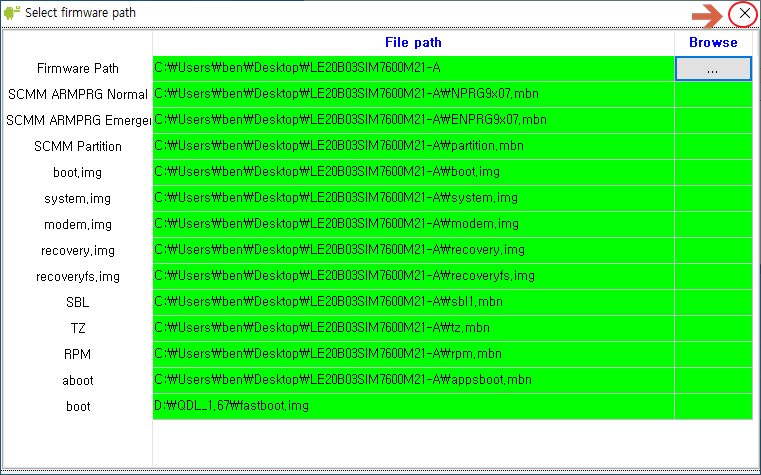
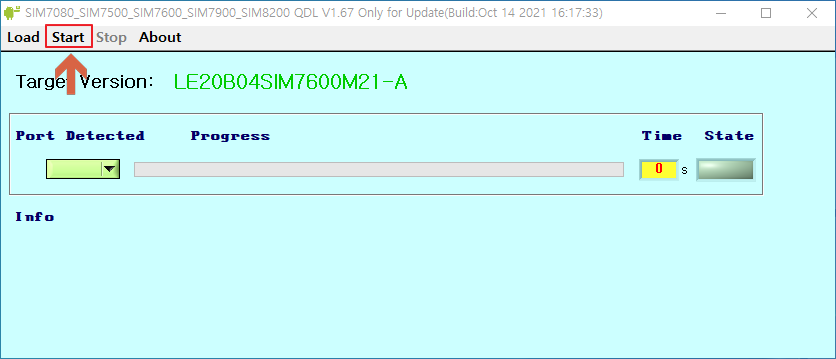
2. Initiate FW Download
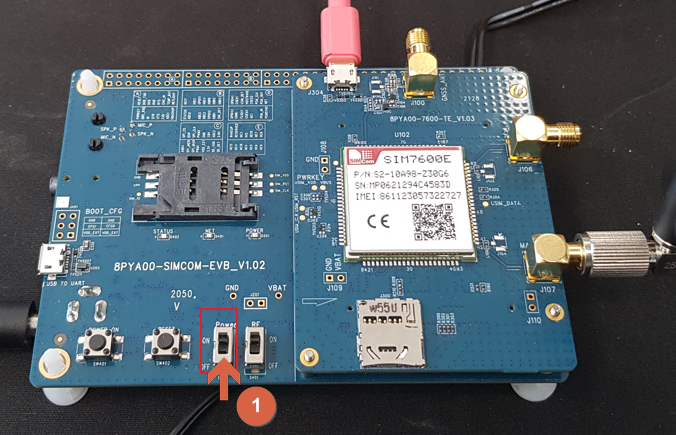
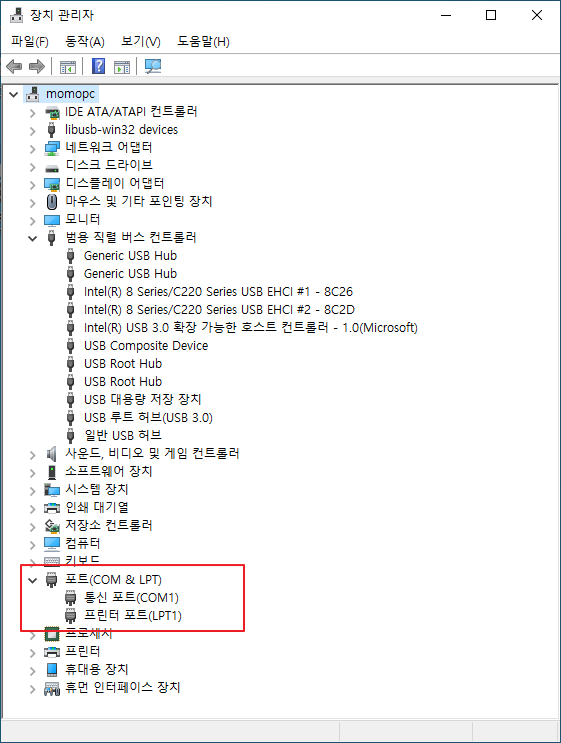
3. Board Control
 |
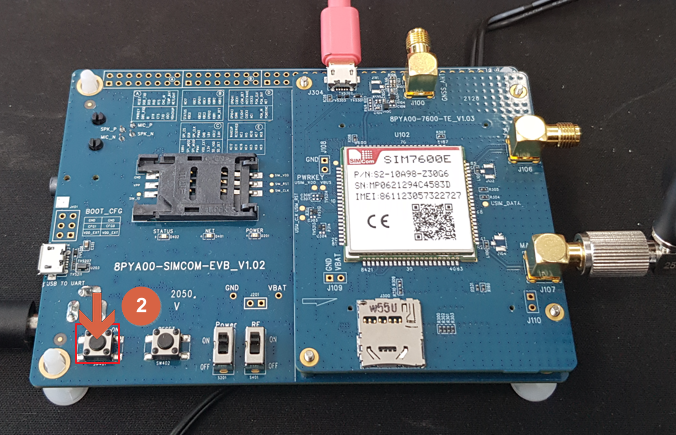 |
| Step 1 (Power Switch: Refer to above and below image) | Step 2( Power-On Key: Refer to above and below image) |
 |
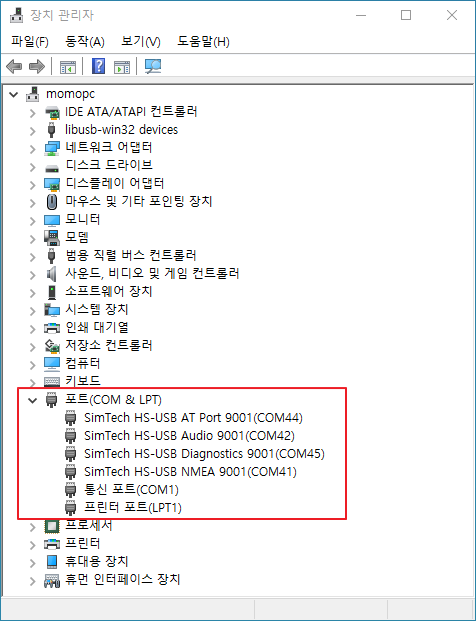 |
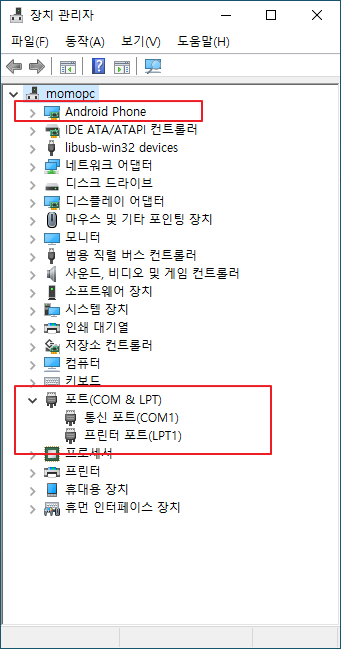
Note: Step2(Download) During the process, the driver is replaced as follows for a while.
4. Completing Download
The Port No. below is automatically detected by QDL and is not specified by the user.


Radar Sensor SoC & Module

WiFi IoT Module

5G/LTE/CAT-M1/NB-IoT

WiSUN/HaLow/Thread Module
